
How to Use SmartPost
Learn how to use SmartPost delivery service.

Request Parcel Delivery
Apply for delivery by entering shipping information and product details. Shipping costs are determined by the delivery section and item size, and are paid at the time of application.
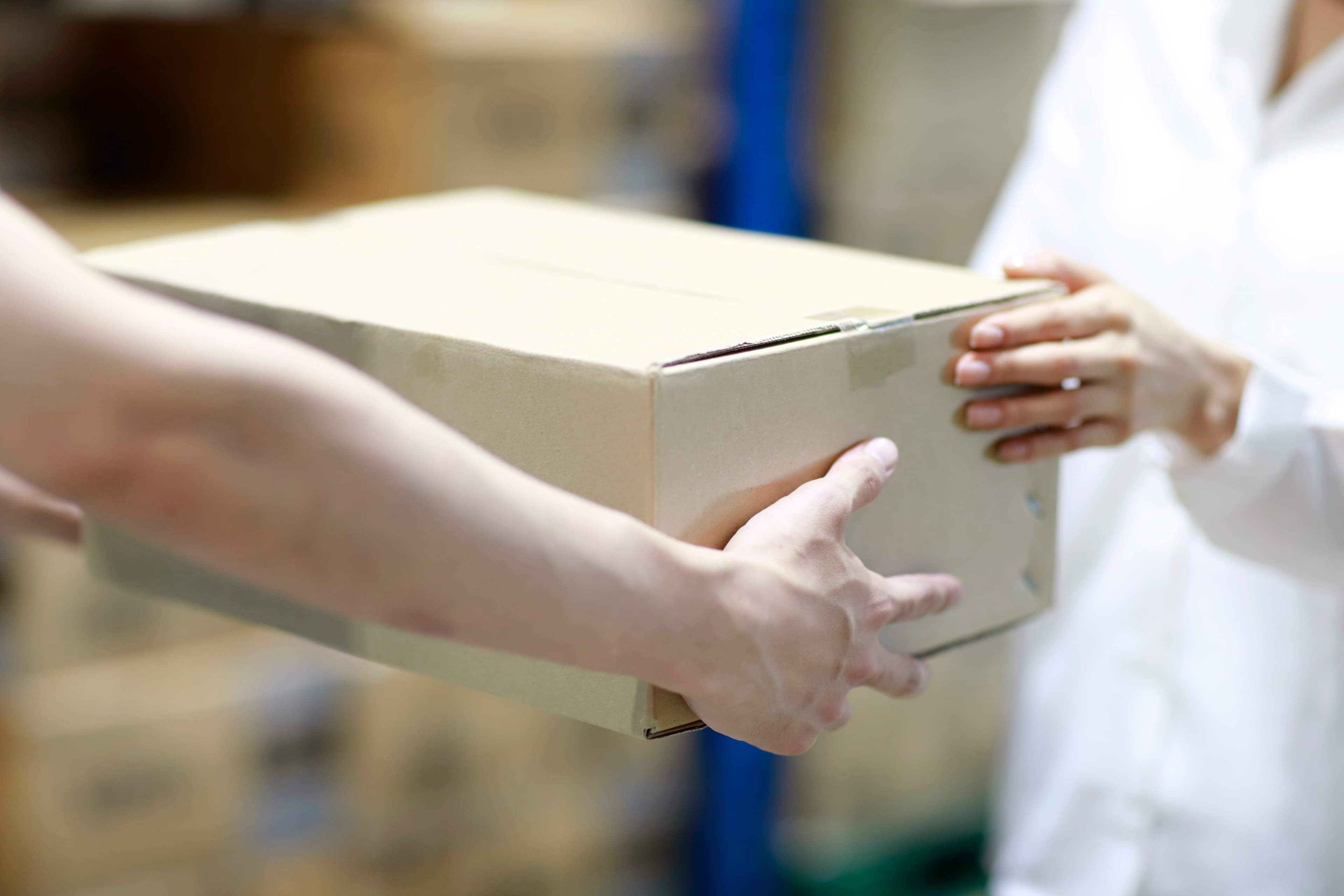
Pack Item and Attach Label
Once payment is complete, you can print the pickup label. Pack your item safely and attach the printed label to the box.
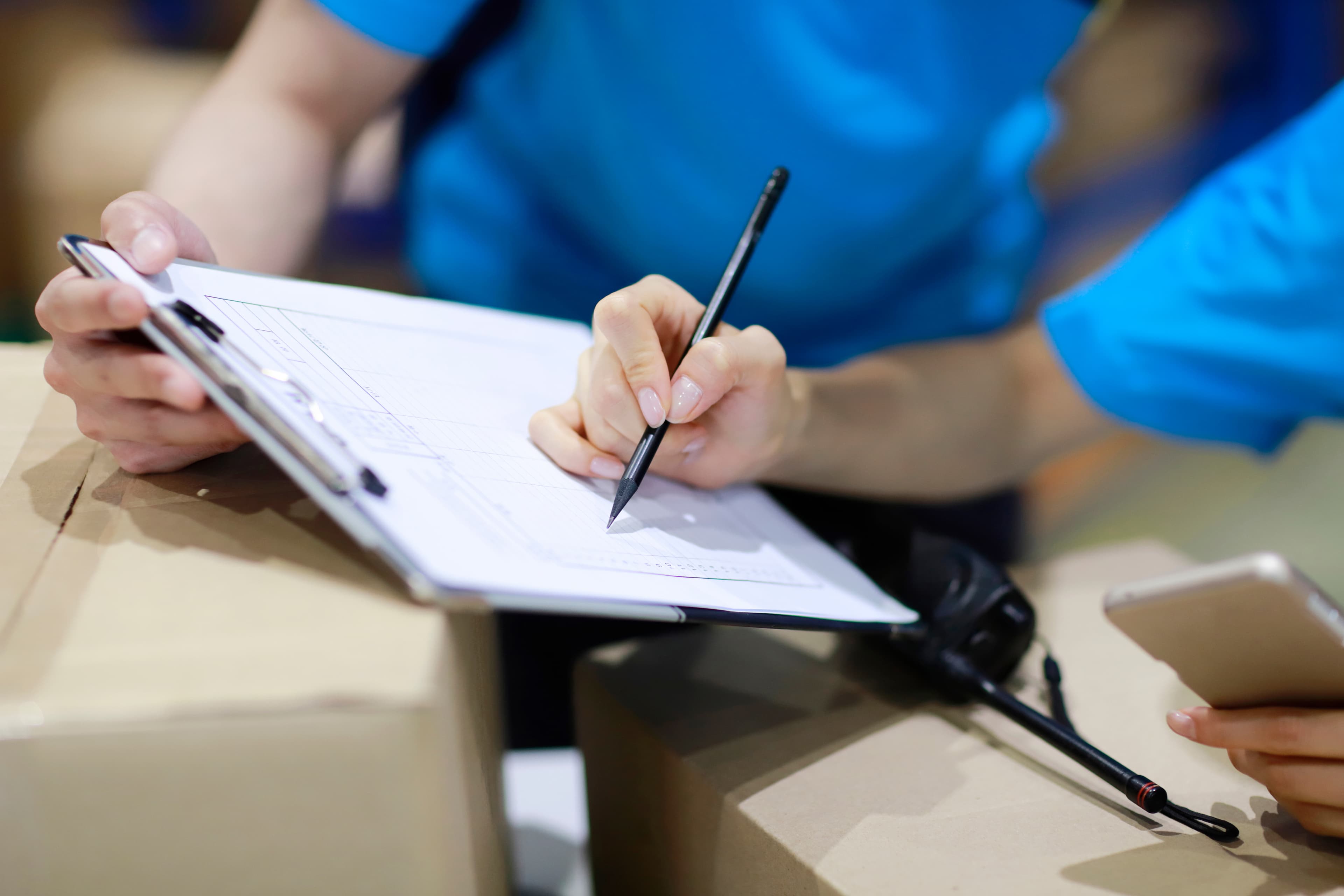
Pickup and Measurement
The pickup driver will visit to collect the item and measure its size and weight. If there is a difference from the weight you entered, additional shipping fees may apply.
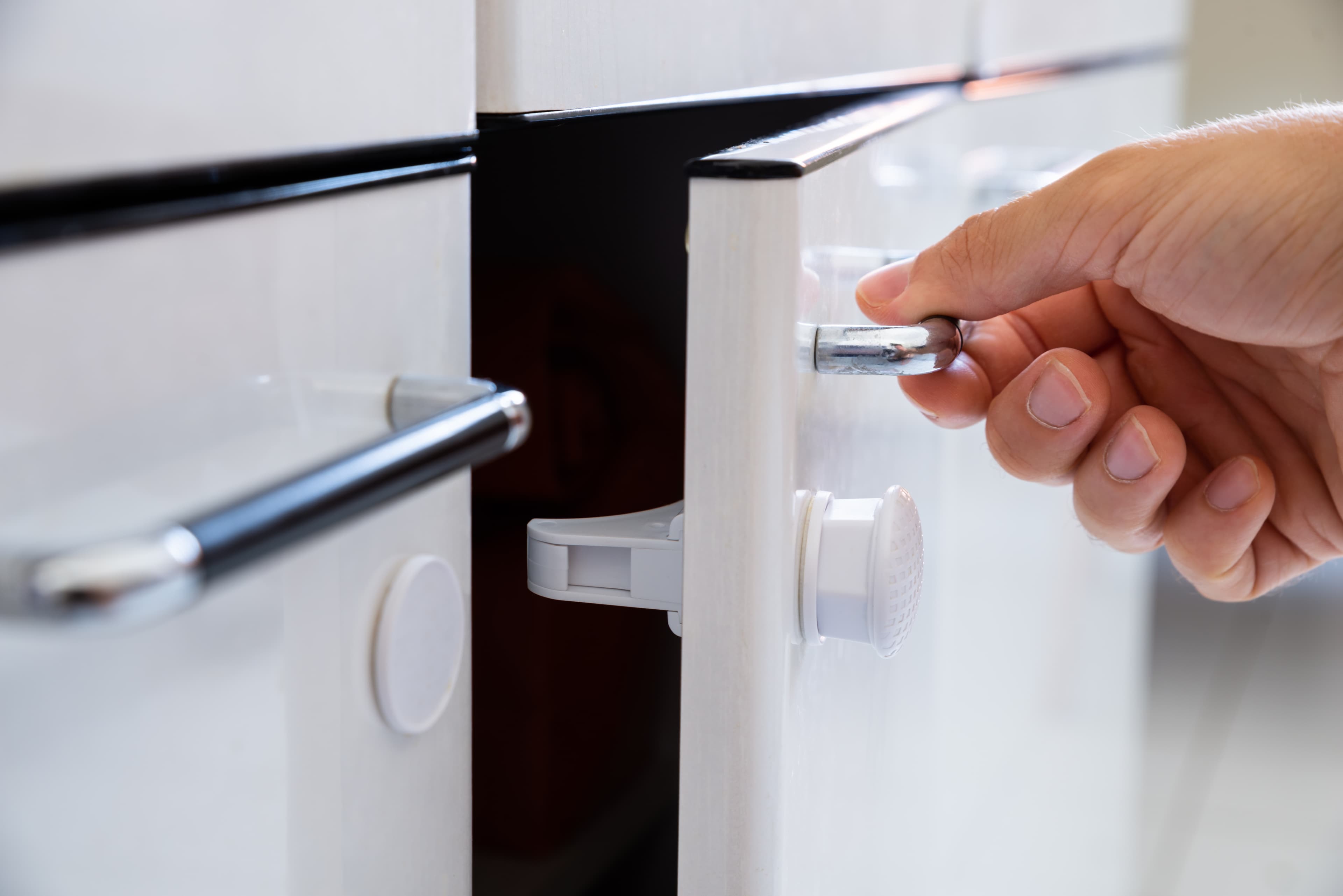
PUDO (SG Only)
Partner with PUDO service providers like Pick Locker for more convenient pickup requests. No need to wait for pickup - simply store at a nearby station for easy and simple pickup processing.